
Script
Blur / block hardsubs in Youtube
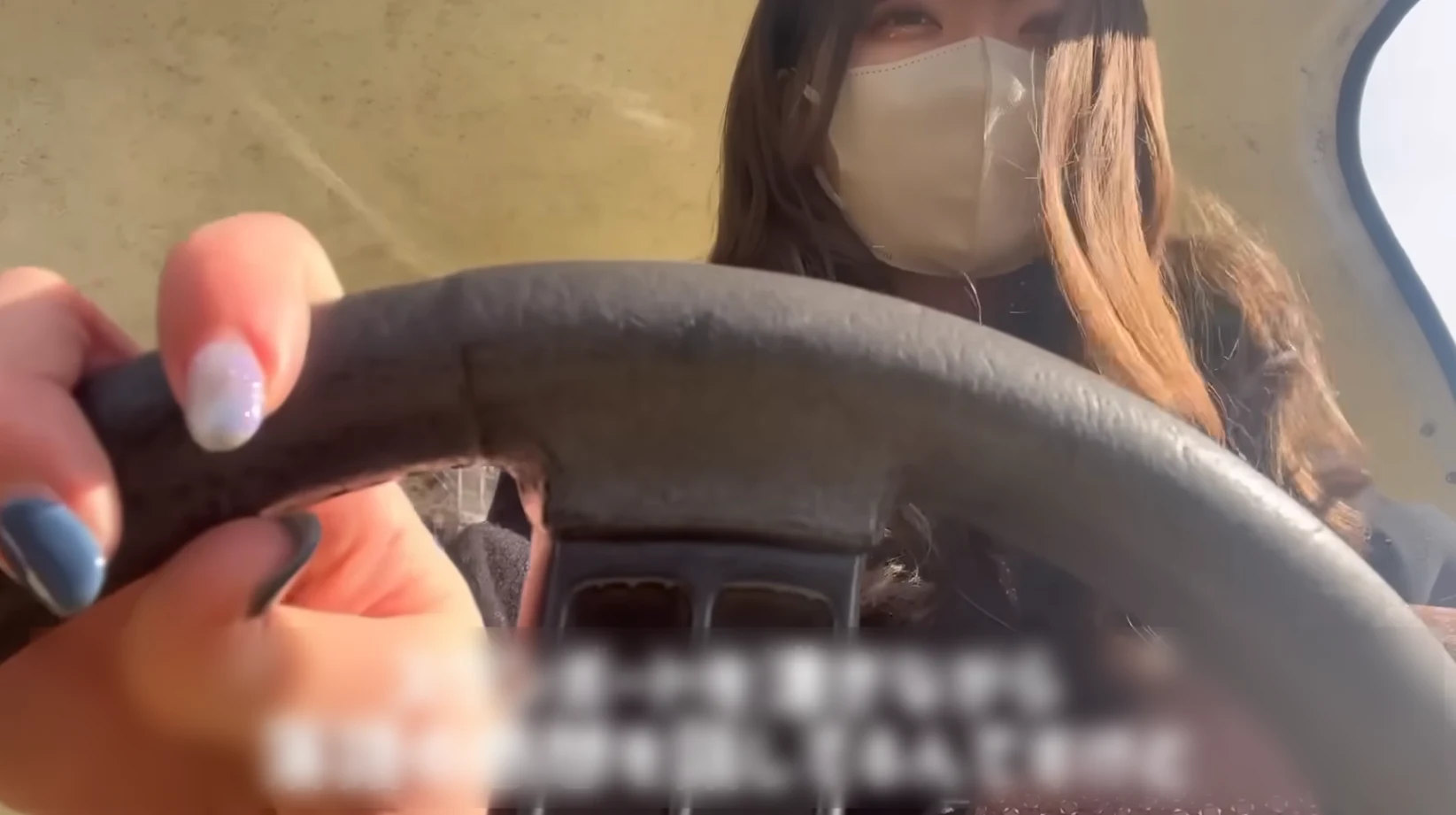
This is a userscript used to blur / block a region of the video region in youtube. The location / size of the region is saved after you have adjusted it, so it will be retained on all future videos.
- Script
- #Subtitles
Shared by 天 Staff
Published ·Updated
Details
Keybinds:
The overlay region can be adjusted using the following keyboard shortcuts:
Move region: Ctrl+Shift + Arrow keys
Wider/narrower: Ctrl+Shift + . or ,
Taller/shorter: Ctrl+Shift + / or \
Decrease / Increase Blur: Ctrl+Shift + [ or ]
Toggle betweem blur & black: Ctrl+Shift + " (double quotes)
Toggle overlay on/off: Ctrl+Shift + ; (semicolon)
Notes:
- This has been tested using ViolentMonkey
- This has been tested on Chromium and on Librewolf. For Librewolf, in order to blur you must enable the extraction of HTML5 Canvas Data. The black overlay does not require this step
- I haven't tested the performance impact of the blur yet, but I don't except it to be too extreme
- Has not been tested on mobile youtube or youtube music
For android by 1selxo