
What is Yomitan?
Yomitan is a powerful browser extension that helps you read Japanese content by providing instant dictionary lookups~
Download & Install
Choose your platform and get Yomitan's extension installed


Settings
Optimize Yomitan settings for Japanese learning
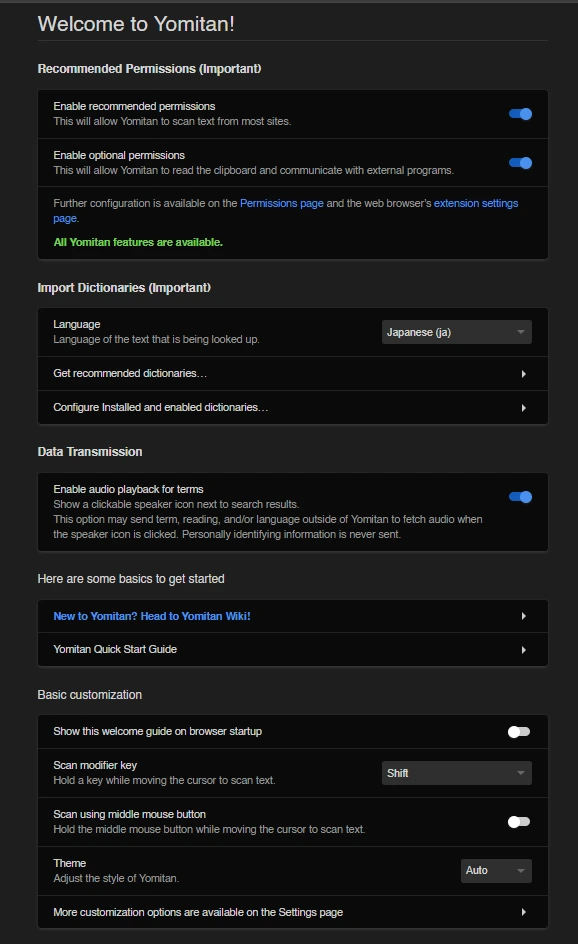
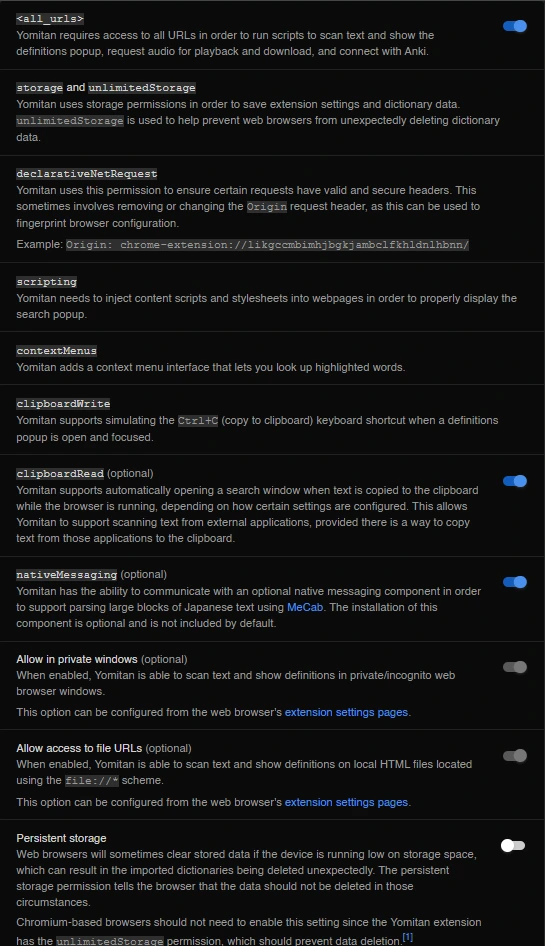
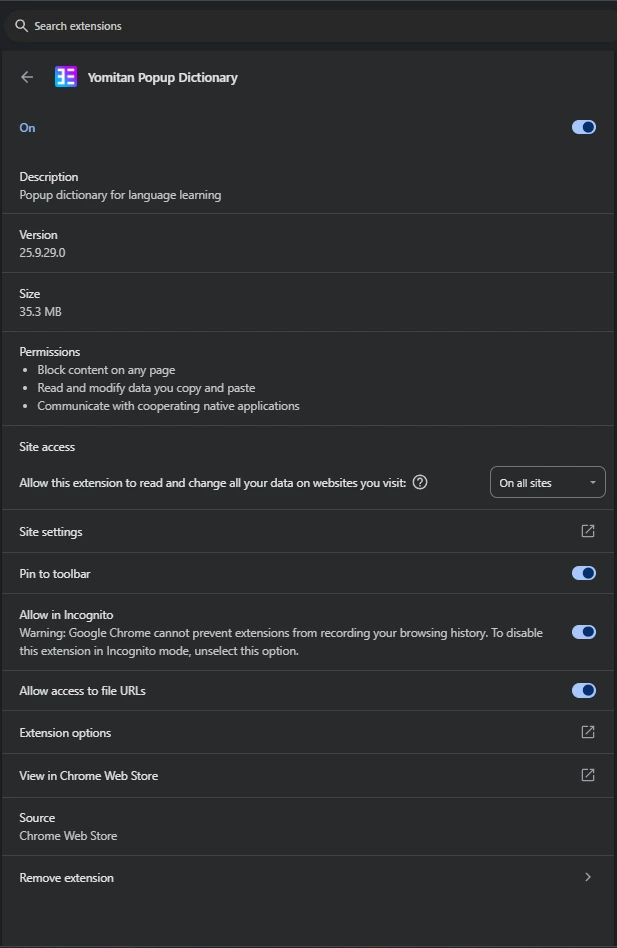
Welcome, Permissions and Extensions Page
Essential Dictionaries
The most important dictionaries for beginners
Click on the GIF to expand it or click on any of the cards to see the list of recommended dictionaries!
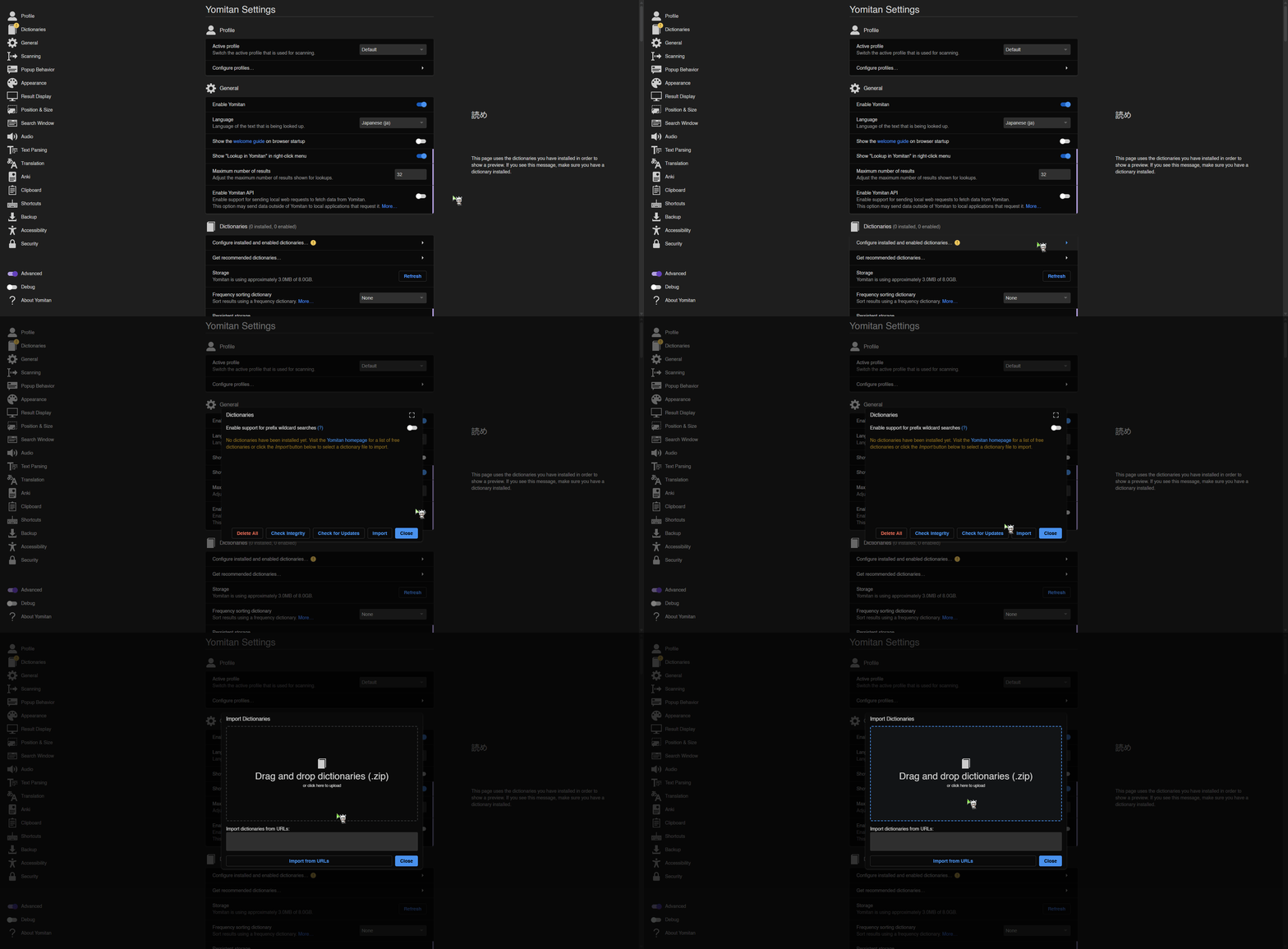
Definition
Bilingual definition dictionaries
Frequency
Frequency dictionaries such as: JBPD and CC100
Others
Pitch accent, grammar, names dictionaries, etc.
Definition
Bilingual definition dictionaries
Frequency
Frequency dictionaries such as: JBPD and CC100
Others
Pitch accent, grammar, names dictionaries, etc.

Download all recommended dicts in one go, check "Backup" in the next step
Customizable Settings
Toggle "Advanced" in the bottom left corner of Yomitan page to see all setting options
Backup
Import, save and restore Yomitan settings
Dictionaries
Using a frequency sorter dictionary and more
Pop-up & Hotkeys
Customize popup behavior and keyboard shortcuts
Appearance CSS
Customize the visual appearance with CSS
Audio & Local Audio
Configure audio playback and create a local audio server
Testing & Wrapping Up
Verify if Yomitan is working correctly by pressing shift while hovering the word below:
花 海
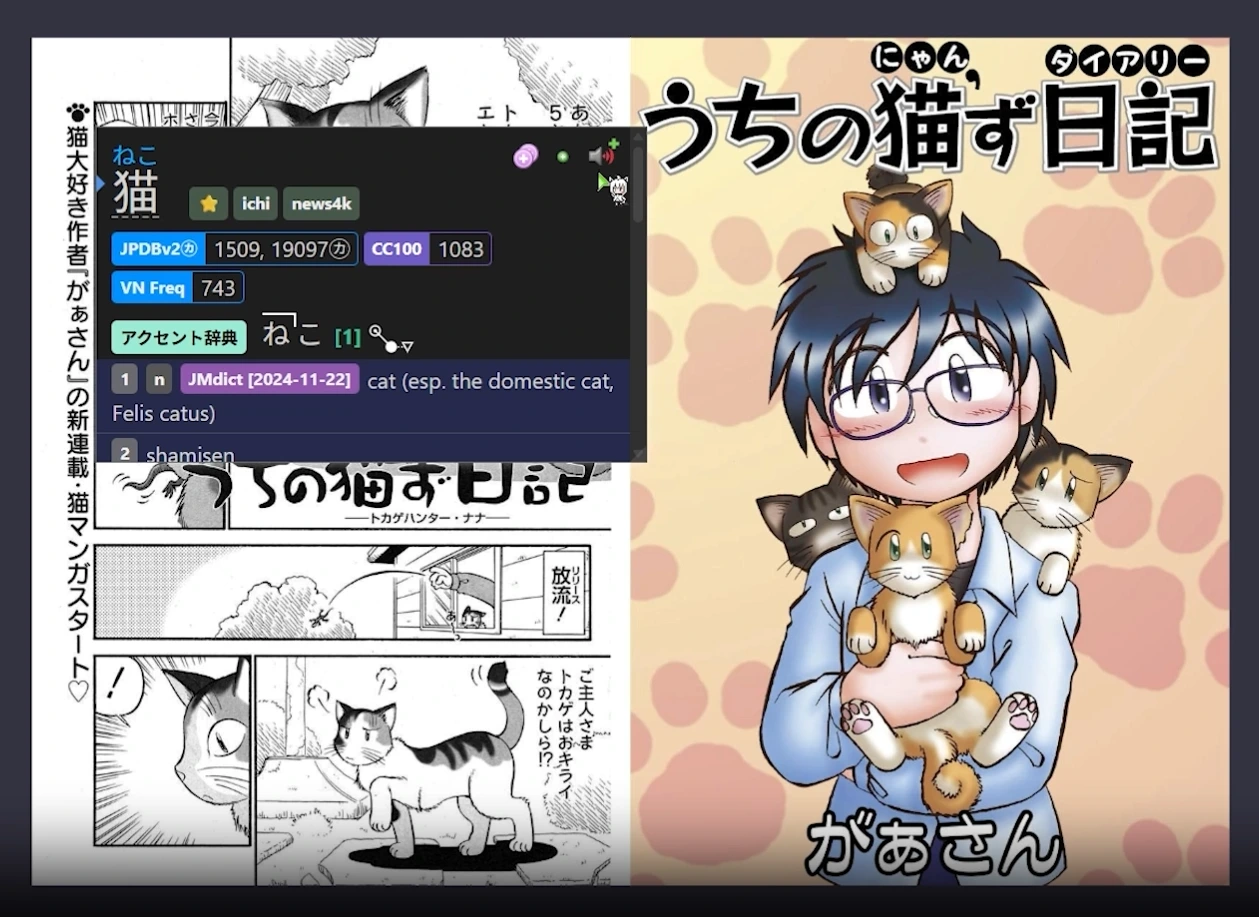
Expected Yomitan Pop-up:
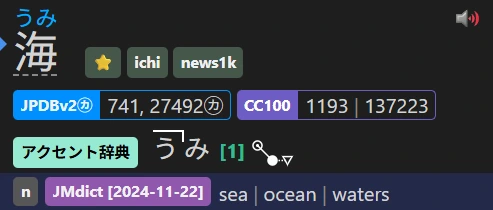
Does Yomitan works as expected?
If not, review the steps and, if it still doesn't work, feel free to reach out on our Discord!
Expected Kanji Appearance:
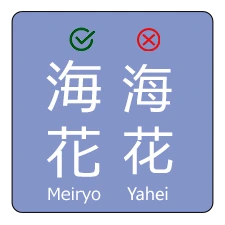
Does the Kanji appearance in the website matches the image?
If it doesn't match, we will need to add Japanese fonts to your system!
Immersion Tips
If you encounter a word you dont immediately know the meaning of in your immersion, it's important to make sure you give yourself a second or two to guess the meaning from the context the word appears in. This second of struggle facilitates learning and you should be weary of falling into the habit of immediately looking up a word you dont know before allowing that process to happen.